at home
Scan the card once
Hold the barcode up. Stapel recognises the chain, picks the right colour and the right card format, and fills in the name. After that the plastic can stay at home.
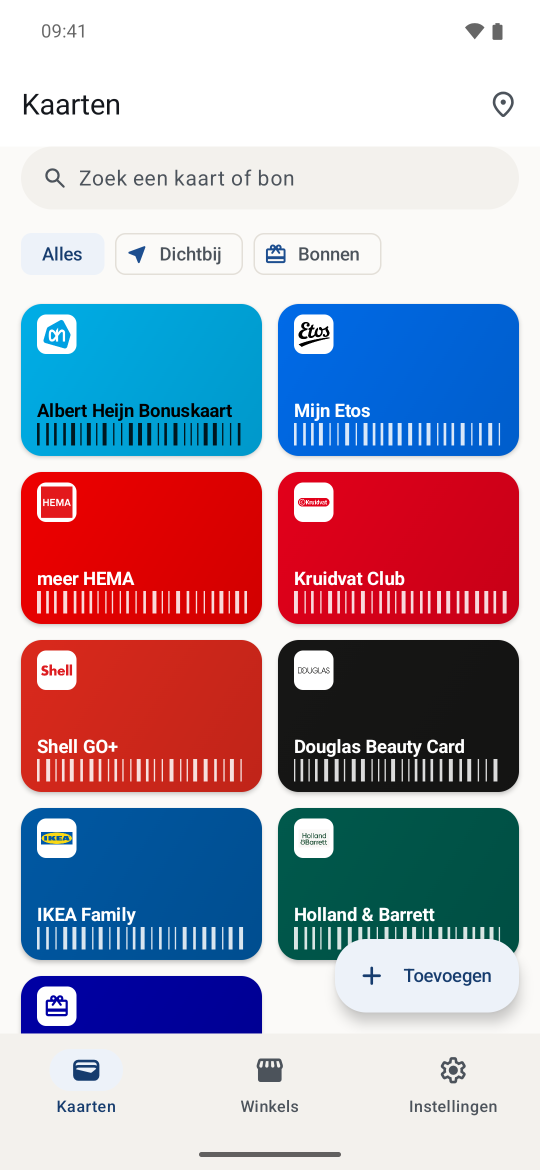
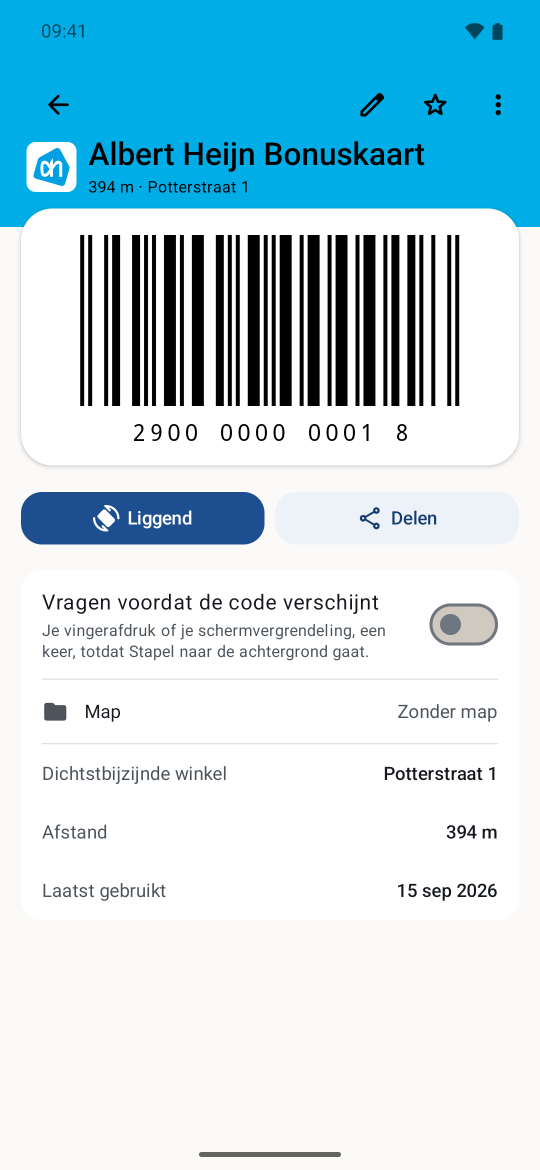
Walk into a shop and Stapel puts that card on your home screen. Your phone works that out itself: no server knows where you are, and your cards never go onto the network.
No account · no server · 30 countries
at home
Hold the barcode up. Stapel recognises the chain, picks the right colour and the right card format, and fills in the name. After that the plastic can stay at home.
through the door
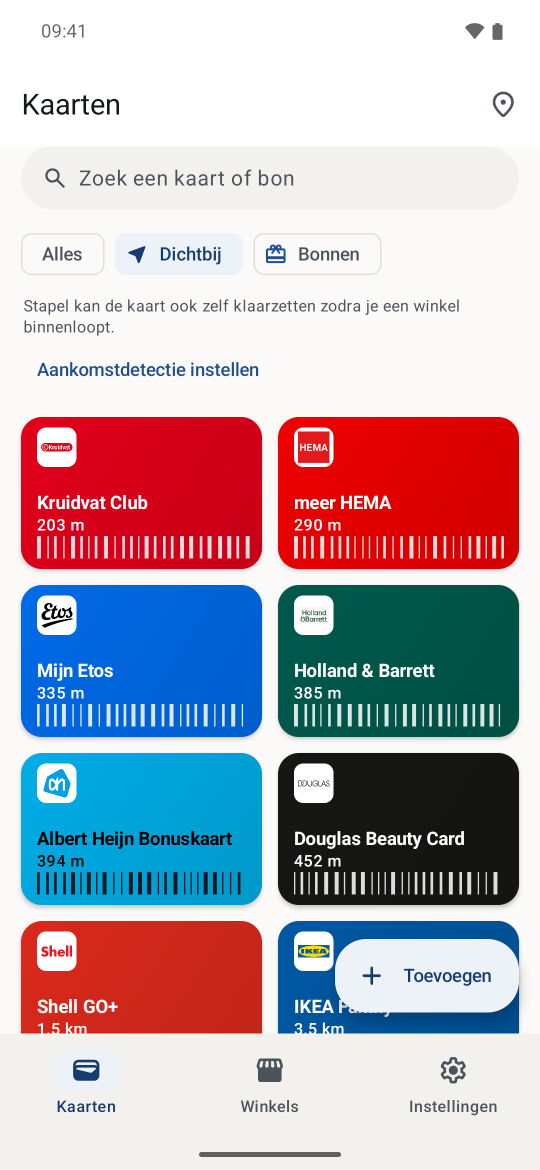
The widget on your home screen becomes the card for the shop you are standing in. Your phone works that out itself against a store list that lives on it. No server knows, and the app asks nobody.
at the till
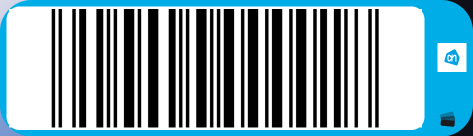
Tapping the widget opens the card full screen at full brightness. No hunting for an app, no scrolling a list, no adverts in between.
“No network traffic” would be a lie, so it does not say that. Your card data is not in any of them: it never goes onto the network.
Stapel · network requests
Card data sent0
Store data from thirty countries. The Netherlands comes in the app, with 24,699 shops from 175 chains from the first launch. Any other country is a one-time download, and after that it works without a network.
| Stapel | Catima | Stocard | Google Wallet | |
|---|---|---|---|---|
| Account required | No | No | Yes | Google account |
| Card data stays on the device | Yes | Yes | No | No |
| Adverts or an offers feed | No | No | Yes | Yes |
| Analytics in the app | No | No | Yes | Yes |
| Card on your home screen on arrival | Yes, on the device | No | No | Partly, via Google |
| Chains preloaded | Yes, from its own catalogue | International and generic | Yes | No |
| Source code readable | Yes | Yes | No | No |
| Price | Free, donations | Free | Free | Free |
Catima is good, and has been good for years. The difference is depth per country: the chains, their colours, their card formats, and the store locations that make arrival detection possible at all.
The idea comes from Bijdehand, Misha Scholte’s iPhone app, which already does this well. I just sat here looking at it enviously. Android had nothing comparable, and that is what Stapel is for.
Got an iPhone? Get Bijdehand. Genuinely.
Free, with no account, and without me needing your address for anything. You need an Android device and nothing else.

This site has no form, no cookies and no ads. One script counts page views and never who you are; what it does and does not see is on the privacy page. Tap the button above and you go to Google Play.
Suggest a chain, correct a colour, or just tell me something is wrong: all three are equally welcome.